Showing posts with label PubG mobile. Show all posts

PUBG Mobile to make a comeback in India, pumps $100mn into gaming

 PUBG Corporation on Thursday announced that it is planning to launch PUBG Mobile game in the Indian market, months after being banned by the government due to national security concerns.


 PUBG Mobile to make a comeback in India, pumps $100mn into gaming

The immensely popular PlayerUnknown’s Battlegrounds (PUBG) Mobile app was among the 118 Chinese apps that the Indian government banned in September over security concerns. At that time, the mobile game was crowned with India’s top downloaded title having around 50 million users, reports suggest.

With its South Korean parent company Krafton, Inc., PUBG Corp also plans to make investments worth $100 million in India to cultivate the local video game, esports, entertainment, and IT industries, the company said.

To get the ban lifted, the South Korean developer has made the decision to no longer authorise the PUBG Mobile franchise to China-based Tencent Games in India. Confirming this on Thursday, PUBG Corp said it is preparing a new game— PUBG Mobile India, created specifically for the Indian market.

The Indian subsidiary will hire over 100 employees specialising in business, esports, and game development, PUBG Corp said. In addition to establishing a local office, the company will look to actively collaborate and leverage local businesses to strengthen its gaming service, it added.

The company also revealed plans to provide a secure and healthy gameplay environment alongside investments to cultivate local video game, esports, entertainment, and IT industries.

To assuage privacy and data security concerns, PUBG said it will conduct regular audits and verifications on the storage systems holding Indian users’ personally identifiable information to reinforce security and ensure that their data is safely managed. To build and foster a healthy gameplay environment, in-game content will be improved and tailored to reflect local needs, it added.

Various aspects of the game will be customized for Indian gamers, such as the game now being set in a virtual simulation training ground, new characters automatically starting clothed, and green hit effects to reflect the virtual nature of the game.

The PUBG Corporation, however, did not disclose the launch date of the game.
Find out the best features of the PUBG MOBILE 0.17.0 Season 12 update


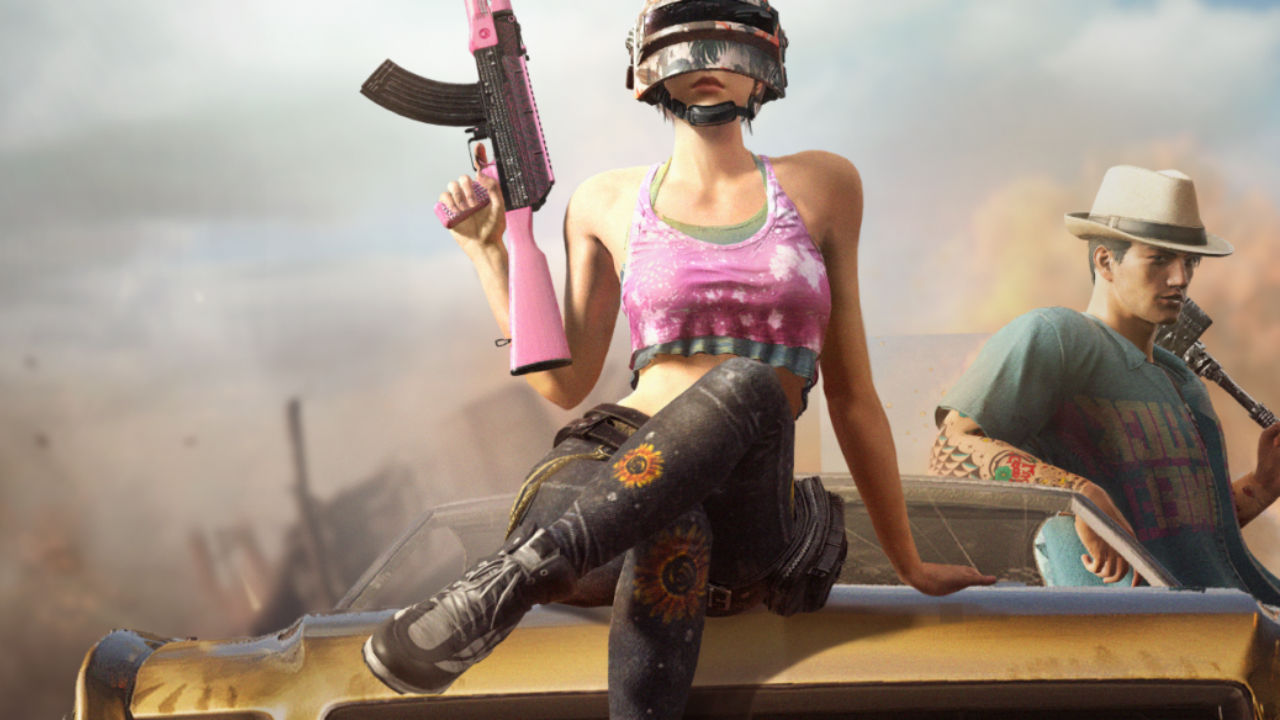
PUBG Mobile is celebrating their second birthday and now they have released a new 0.17.0 update for the players. And in this update you also have the new theme "2gether Play Play" with Entertainment Park mode, new weapons, death rematch and a hardcoded mode .
This update will have 1.69Gb on Android and 1.9GB on iOS and you will need to get the latest updates for this game. And before March 6, the number of players you updated the game to receive 50 silver coins, 2,888 Battle Points and 3 day birthday pins.

Here are some of the best features

AMUSMENT PARK MODE

Developers have come up with a new Entertainment Park mode on AirAngel Map, which goes live on March 12. And in this mode there are three entertainment parks like Angle's Hot Game, Space Wire, Shooting Range and Tramplun.

This entertainment case features arcade motions that allow players to talk using tokens. And more Reverse Bungie will be parked on the machine, which will launch players into the air and glide using a Yung shoot.

Has DBS SHOTGUN

The new update includes the DBS Shotgun, a double barrel pop action shotgun that will be available through Airdrop. And it can be 14 rounds of 12 yards of ammo and it will be loaded. And it can be combined with the Heliographic Red Dot Vision R2X, 4X, and 6X scope.

ROYALE PASS Season 12

In the second year of PUBG Mobile, the Royal Season 12 kick off of the players has come to the "2gether We Play" theme. And the Royal Season Reward has been upgraded to a new season that will allow players to save items in birthday themes for two cents.

HARDCORE MODE is back again

Hardcode mode is back with a new 0.17.0 update to PUBG Mobile. And in this mode players will do everything manually and everything from opening ammunition to your weapon. Experienced players will think about it, and at this time it will have to be vigilant to see if the enemy is attacking.

DEATH REPLAY, UNIVERSAL MARK, COLOR BLIND MODE and more

The new update to PUBG Mobile brings the much-awaited Death feature that will be offered to players as a round. And here you can see well before the player wants mechanical information.

The version 0.15.0 update for PUBG Mobile | Bangla Tech Jagat


The version 0.15.0 update for PUBG Mobile is now rolling out to all users. This includes new firearms, vehicles, and more. With Halloween just around the corner, the makers of PUBG Mobile seem to be getting into the groove of things by also halloween themed content along with the rest of the v0.15.0 update in the form of a new Halloween Mode in Survive Till Dawn game mode.
to get the latest offers and deals on Lenovo's gaming laptop & product range
New features added to all of the PUBG Mobile Maps include the new BRDM-2 Amphibious Armoured Vehicle. As the name would suggest, this vehicle is capable of travel on land and water and is armoured. So it can withstand a lot of bullets. The vehicle does not spawn naturally on the map. Rather, players have to call it down by using a flare gun. The update also brings a new weapon in the form of the Desert Eagle. This weapon does the most amount of damage and has the highest muzzle velocity of all pistols with 63 damage per bullet. It can also be equipped with Red Dot, Holo, and laser sights. It can also be improved with magazine attachments.
Gameplay changes include the ability to grab ledges and pull themselves up. Further, fuel drums can now be exploded by shooting at them. There have also been improvements and balances made to the M16A4, Vector, UMP45 and MK47 Mutant. These include the ability to add new attachments, ammo types, carrying capacities as well as performance and graphics fixes.
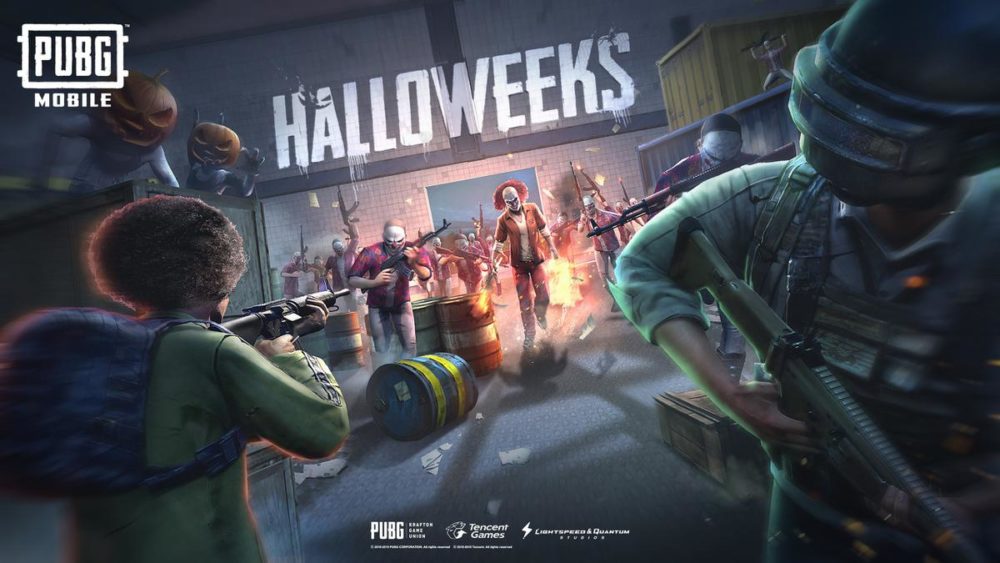
As far as the Halloween themed update goes, Survive Till Dawn mode will now feature modified background objects and ‘Halloweenized’ monsters. There is also a hostile human faction in abandoned factories and strongholds. Players have the option of defeating these factions in order to get better rewards, while killing zombies grands bio-warfare equipment that is effective against zombies and other players. This is a part of the game’s ‘Halloweeks’ theme.
The new Payload Mode with the update will be rolled out sometime later this month. This new mode aims to introduce new gameplay elements such as helicopters, teammate recall, Air Strike beacons and more.
The PUBG Mobile v0.15.0 update is being rolled out and should be available to all users soon. You can check out more about the update

How to play multiplayer games on Windows 10 using Wi-Fi router| Bangla Tech Jagat


LAN-gaming used to be a craze among hostel students across colleges in India and for some, even after the spurt in online gaming in recent years and the advent of the battle royale genre with games like PUBG and Fortnite, it still is. And it was easily possible with Microsoft Windows 7 operating system when all that was required was for one player to create a wireless ad hoc network with a secret key (or sometimes, even without a key) that everyone else used to join and start gaming together. But the newer versions of Windows do not give an ad hoc creating option directly. Lots of tweaks need to be done which do not work everytime. In this article, we will tell you how to connect two Windows 10 laptops or more for gaming with friends. To be clear, this article is not about online gaming.
The steps that have been given below are for those good old gaming sessions when some friends have come over to your place or everyone is at some common place that has an internet connection with a Wi-Fi router. All you need are fully working Windows 10 PCs with chargers, a Wi-Fi router and a constant power supply. These steps also work when some of you have Windows 10 and the others have Windows 7 OS installed. Here are the steps:
1.Everyone should connect their laptops to the Wi-Fi internet.
2.Then, the person who is to host the game (he/she must be the one with the Windows 10 laptop) should right click on the Wi-Fi option in the task bar and left click on 'Open Network & Internet settings'.
3.Go to 'Mobile Hotspot'.
4.Click on 'Network and Sharing Center'.
5.Your active networks will be showing in the next window that opens. Left-click the one with the Wi-Fi internet.
6.Click on 'Properties'.
8.Place a tick on 'Allow other users to connect with this computer's Internet connection'.

9.Open the multiplayer game that you are going to play and host a new LAN game.
10.Everyone else should launch their games too and check for the hosted game in multiplayer to join on the same network.
11.Once the hosted game appears, join it.
12.Here's to a great gaming session with buddies!

Google Search

The Web Only Soulsbox